
Notes that stay on your desktop — encrypted on your computer and sent nowhere.
Every feature free · Open source (GPL) · Support Stickle
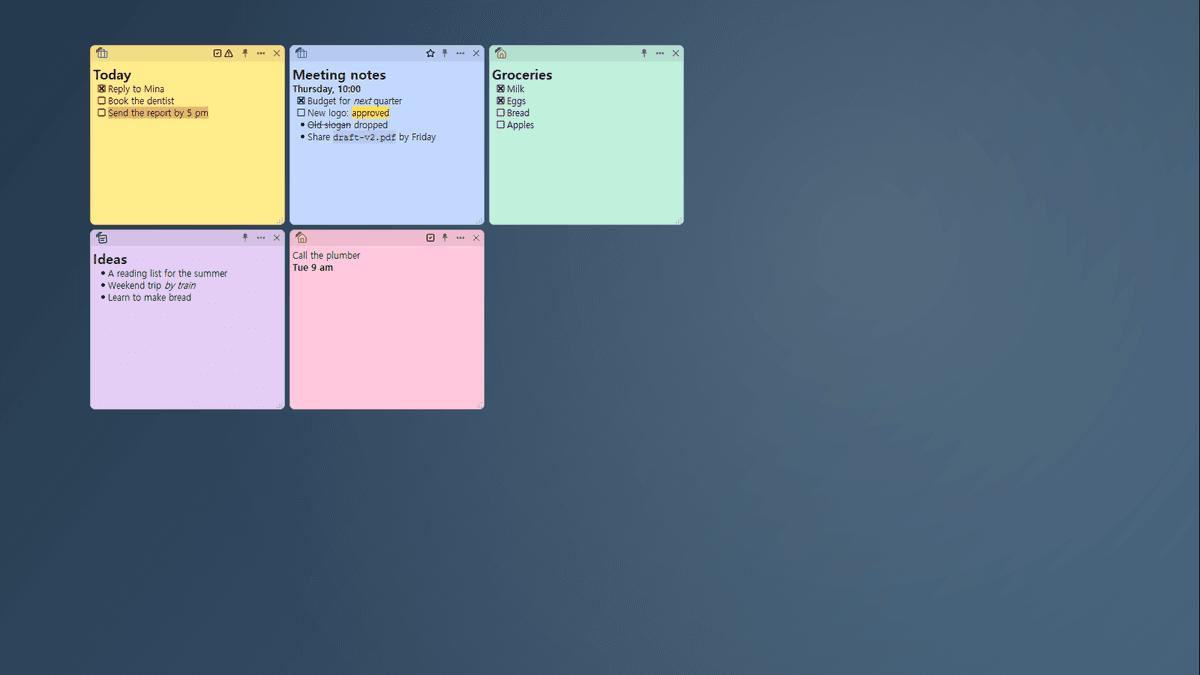
Stickle is a free app that keeps notes on your Windows and Linux desktop. Notes are saved as you type, encrypted on your computer and never sent anywhere. There is no account and no Stickle server. Sort notes into categories and marks and show just the ones you want on the desktop, find a note right on the desktop, and line notes up as they snap to each other. Write headings, highlights, checklists and code blocks in Markdown, and get deleted notes back from a trash that keeps them for a year. Everything works offline, and it is open source (GPL) with no ads and nothing locked. Stickle is in preview (0.4). Syncing the same notes between your computers, through a cloud folder you already use, and a macOS version are on the way.
Features
Coming next
- Next preview (0.5): Automatic backups you can restore, export of every note, and bringing notes over from Windows Sticky Notes and other sticky-note apps
- On the way to 1.0: Reminders, and secret notes behind a password of their own
- 1.0: Sync between your computers through a cloud folder you already use (end-to-end encrypted), and macOS
There are no dates, and plans may change.
Screenshots
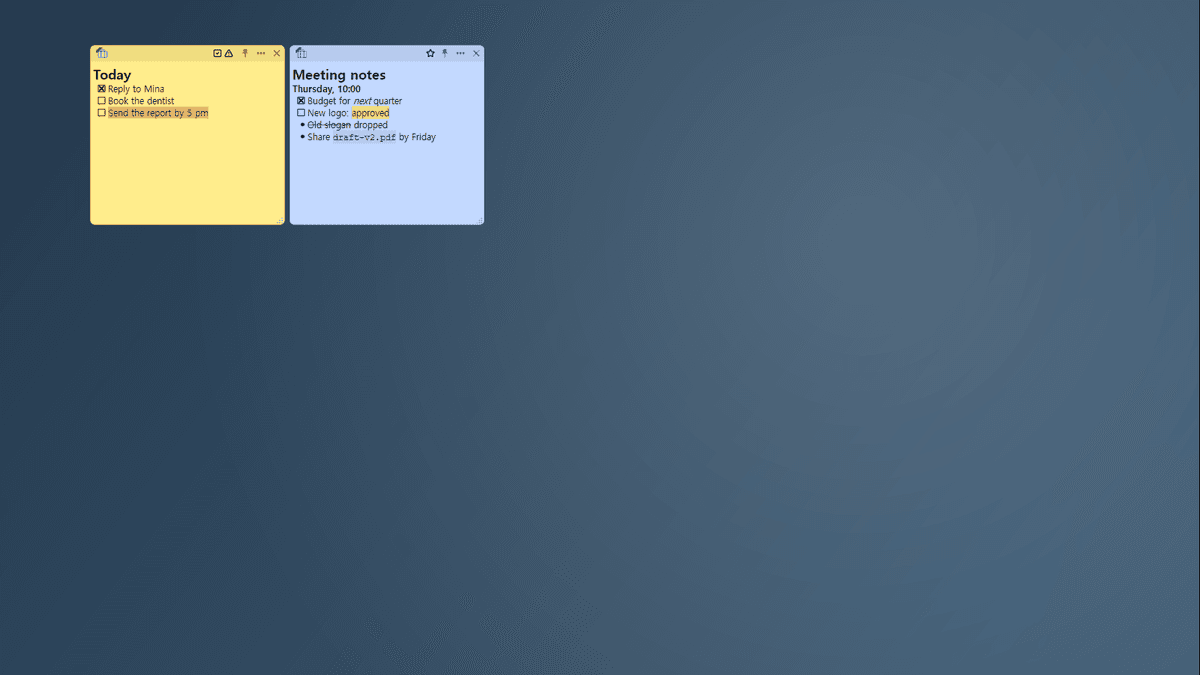
Just one category's notes on the desktop
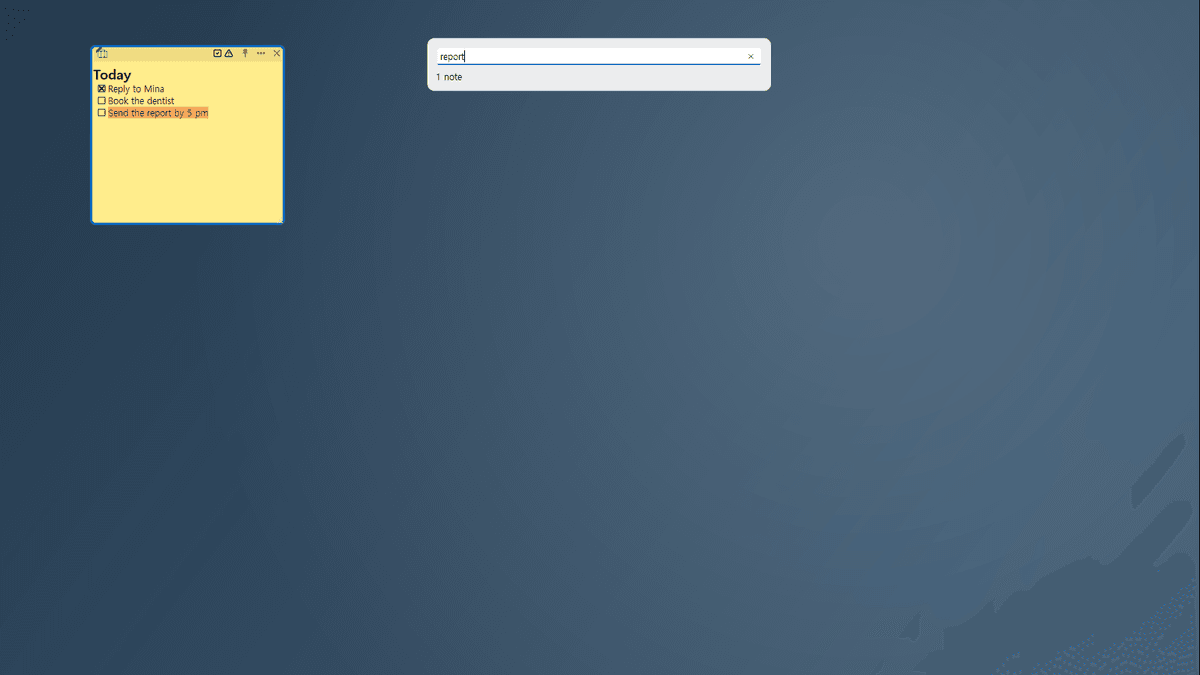
Find on the desktop — only the matching notes stay
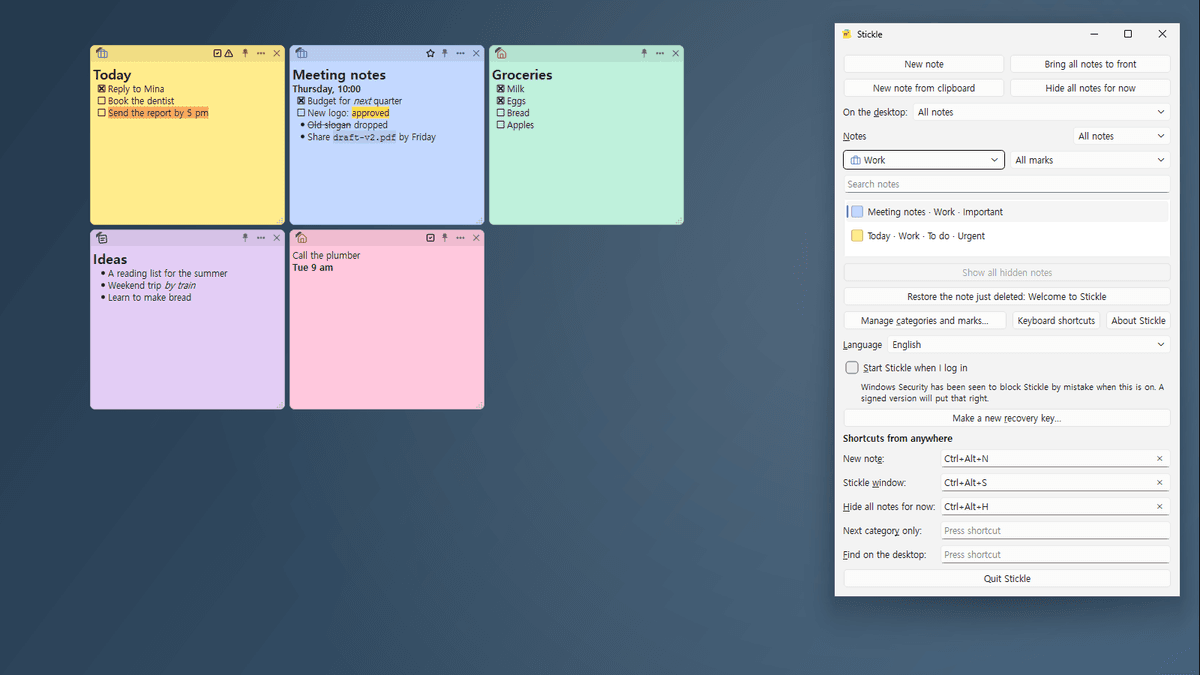
The Stickle window, filtered by a category
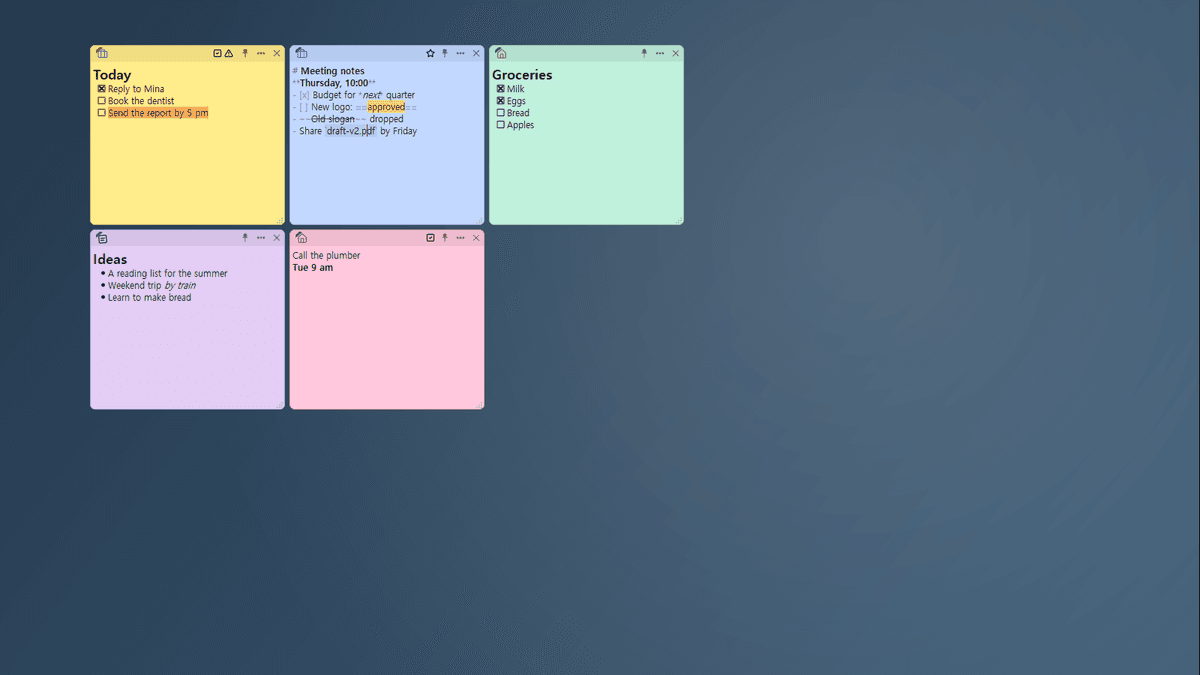
Double-click a note to edit its Markdown
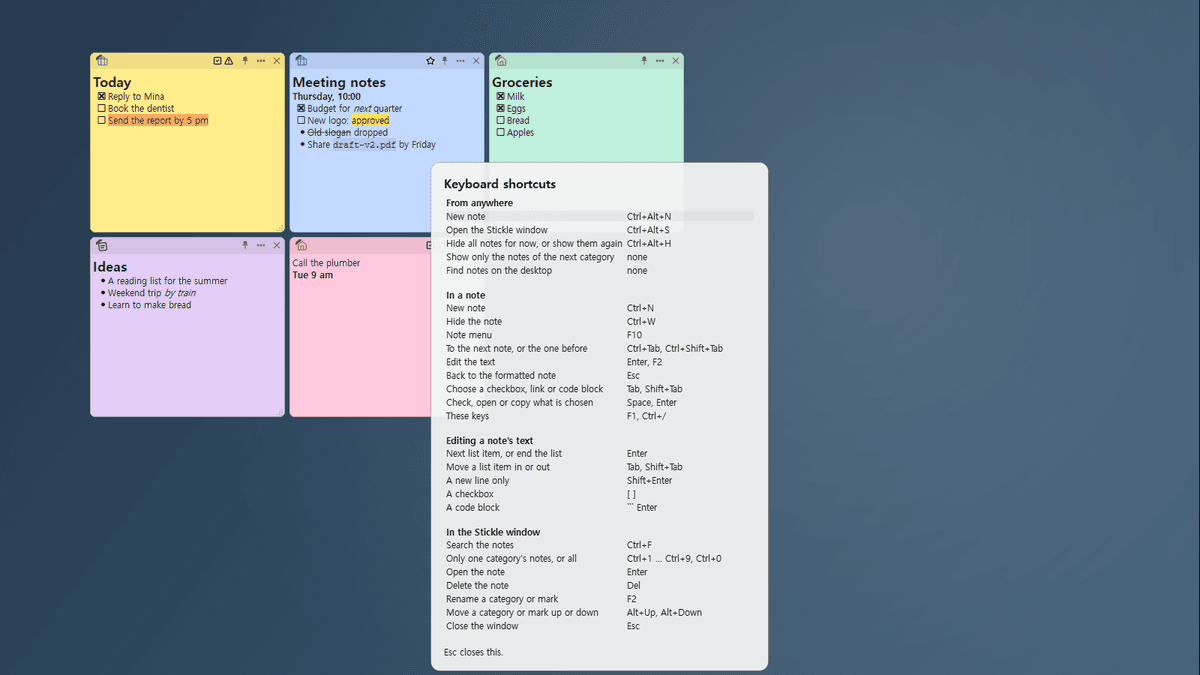
Press F1 to see every shortcut at a glance
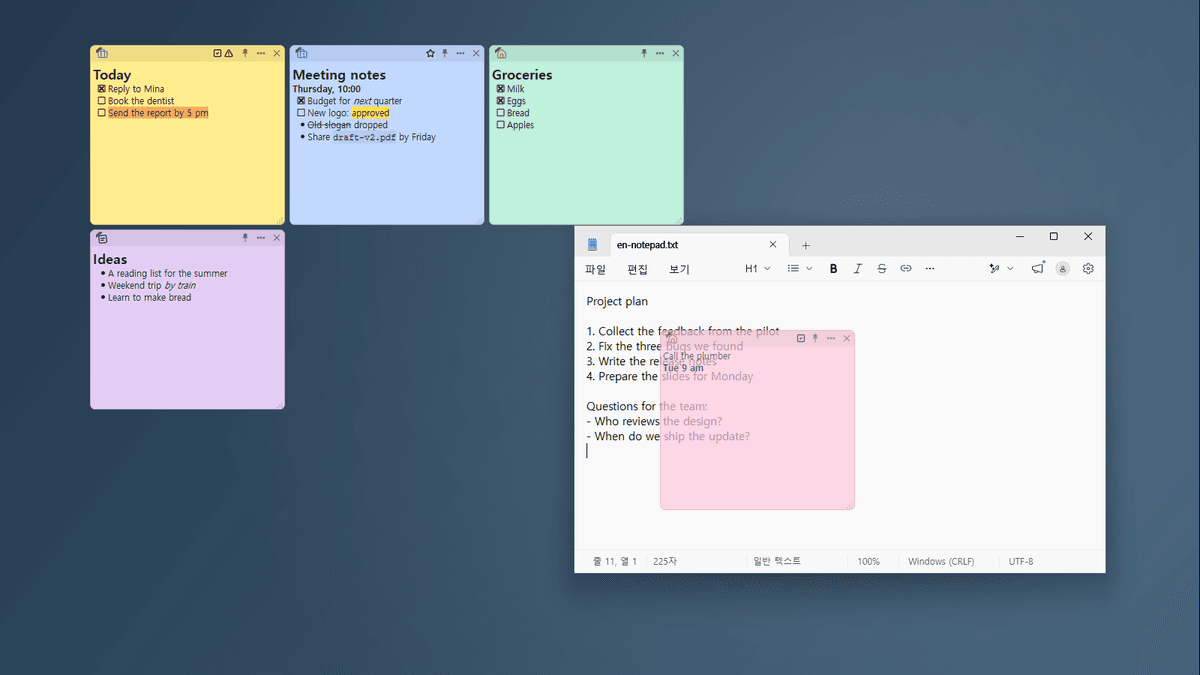
See-through while you work in another window
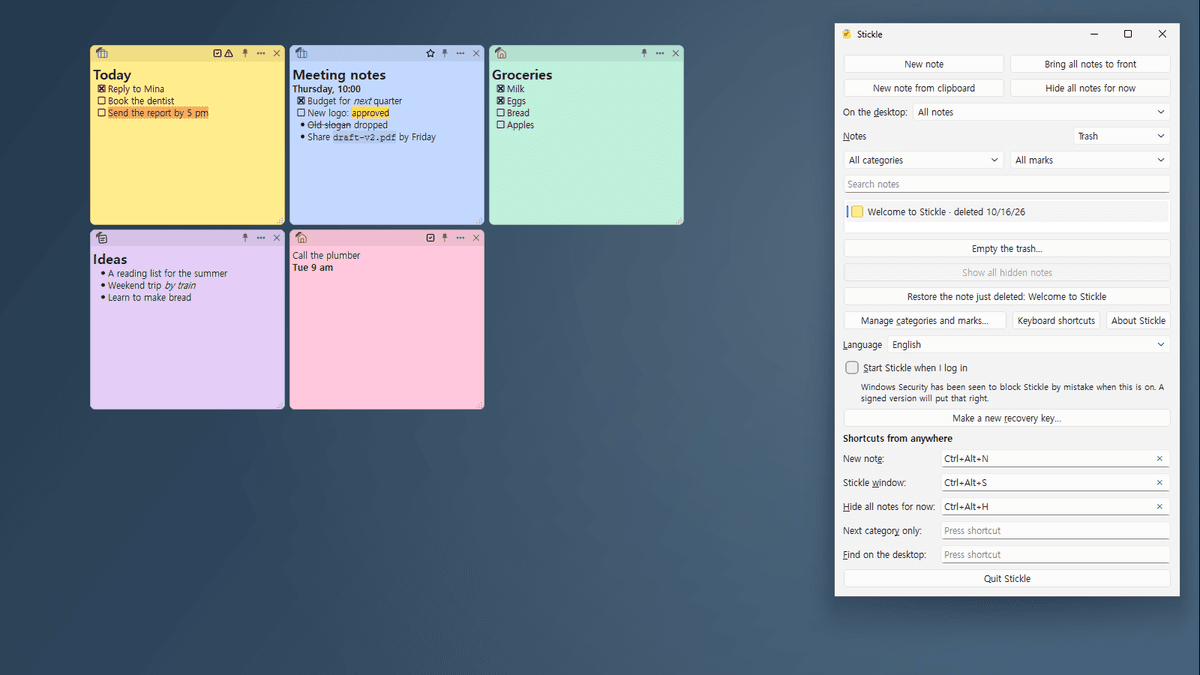
Deleted notes stay in the trash for a year